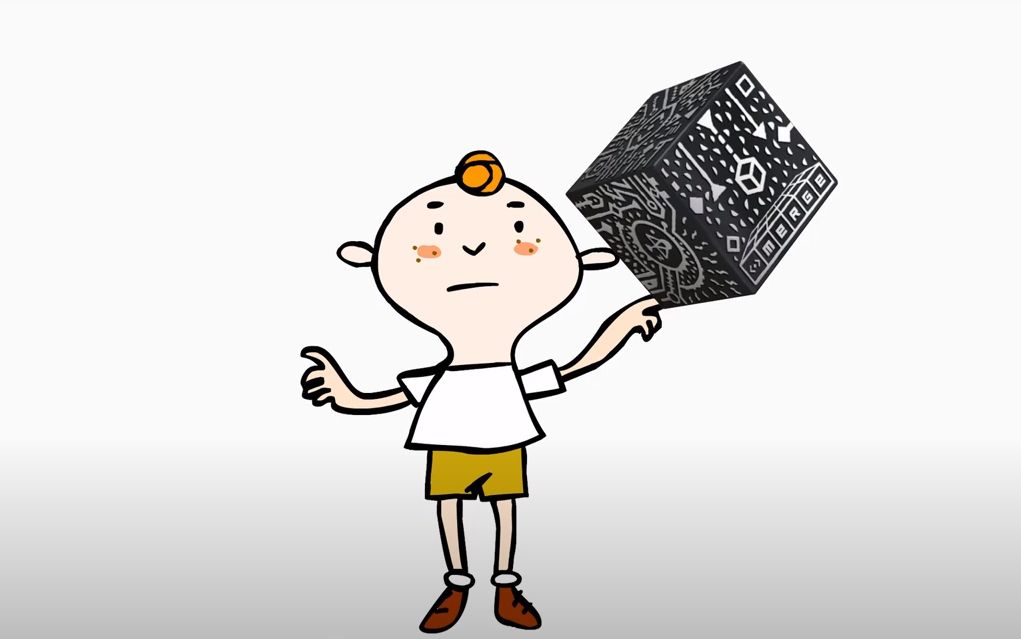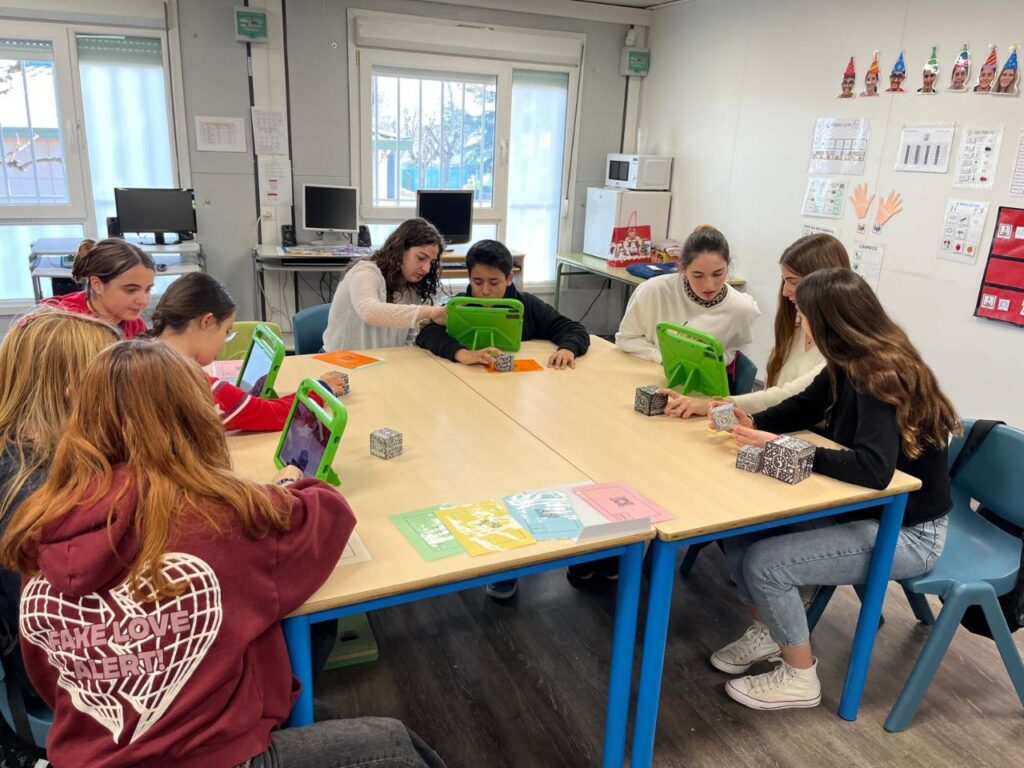
Technology has proven to be a fundamental ally in the inclusion of children with disabilities, and Augmented Reality (AR) presents itself as a tool with great potential in this field. Its ability to overlay digital elements onto the real world not only facilitates learning and interaction but also introduces the element of surprise, a key factor in motivation and cognitive development.
The following video walks you through the steps to complete this activity. You can find all relevant links and information on this website.
Template Cub Merge: Link
QR’s and URLs: Link
Cospaces (www.Cospaces.io) has a free option for 45 days of use.
Here is a short Video tutorial to find out how it’s done. Absolutely easy
Adaptation and Accessibility for Affected Cognitive Processes
For children with cognitive disabilities, AR offers significant advantages by allowing the personalization of teaching and interaction with the environment in a more accessible way. Some of its main contributions include:
- Multisensory Learning: AR combines visual, auditory, and tactile elements, facilitating the understanding of abstract concepts. For children with information processing difficulties, this combination of stimuli enhances retention and learning.
- Memory and Attention Reinforcement: The interactive nature can enhance engagement and comprehension, AR helps capture and maintain attention for longer periods, a crucial aspect for children with concentration difficulties or memory deficits.
- Structuring and Organizing Information: For children with cognitive disabilities, can serve as a valuable tool for reinforcing and understanding sequences, or structuring information can be challenging. AR allows the visualization of daily routines, task instructions, or story development, making comprehension and application in daily life easier.
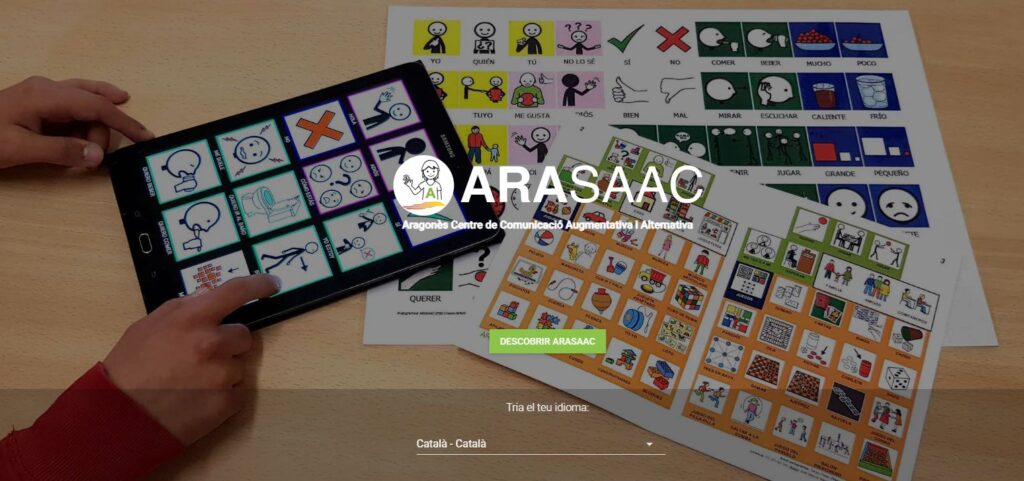
- Support for Communication and Language: Through images—especially ARASAAC pictograms—videos, audio, 3D objects, interactive animations, etc., AR can be used as a tool to reinforce language learning and communication, especially for children with Autism Spectrum Disorder (ASD) or speech difficulties. By associating words with images in real time, understanding the meaning of concepts is facilitated.
Link: https://arasaac.org/
The Role of Surprise in Learning
The surprise factor is a key element in cognitive development. AR enables the creation of unexpected and exciting experiences, such as discovering an animated animal in a book or seeing a common object transform into something magical. These unexpected experiences stimulate curiosity and emotion, naturally and spontaneously reinforcing learning processes.
When a child with cognitive disabilities encounters a surprising experience within a safe and structured context, their interest is activated, and their motivation is reinforced. This is especially valuable in educational settings, where learning can often be challenging or frustrating.
We know that where there is emotion, there is learning.
Development of Social and Emotional Skills
In addition to cognitive learning, AR contributes to the development of social and emotional skills:
- Facilitates Interaction with Peers: Many AR applications allow teamwork or interaction with classmates and educators, fostering communication and collaboration. This can also be extended to the family environment.
- Encourages Self-Esteem and Confidence: By offering playful and accessible experiences, children achieve small successes that reinforce their self-esteem and confidence. The most challenging task may be learning to focus in a certain direction, on a marker or object. If difficulties arise in this process, assistance is easy to implement.

Different Responses to Surprise
Neuroscientists have extensively studied the role of surprise in learning and child development and have shown that it activates key brain regions, such as the prefrontal cortex and hippocampus, which are involved in attention, memory, and decision-making. When a child experiences surprise, their brain releases dopamine, a neurotransmitter that reinforces curiosity and motivation to explore and learn.
According to studies in cognitive neuroscience, children with disabilities also benefit from this mechanism, although their processing may differ in some cases:
- Children with Autism (ASD): Sometimes, they have difficulty processing unexpected events, which can cause anxiety instead of curiosity. However, research suggests that when surprise is introduced in a controlled and structured manner, it can improve their adaptability and cognitive flexibility.
- Children with ADHD: Surprise is beneficial in capturing their attention, as their brains respond well to new stimuli. Augmented Reality experiences can help them maintain focus for longer periods.
- Children with Intellectual Disabilities: Surprise, combined with structured repetitions, helps reinforce learning and improve long-term memory.
Creation Tools: CoSpaces and Merge Cube
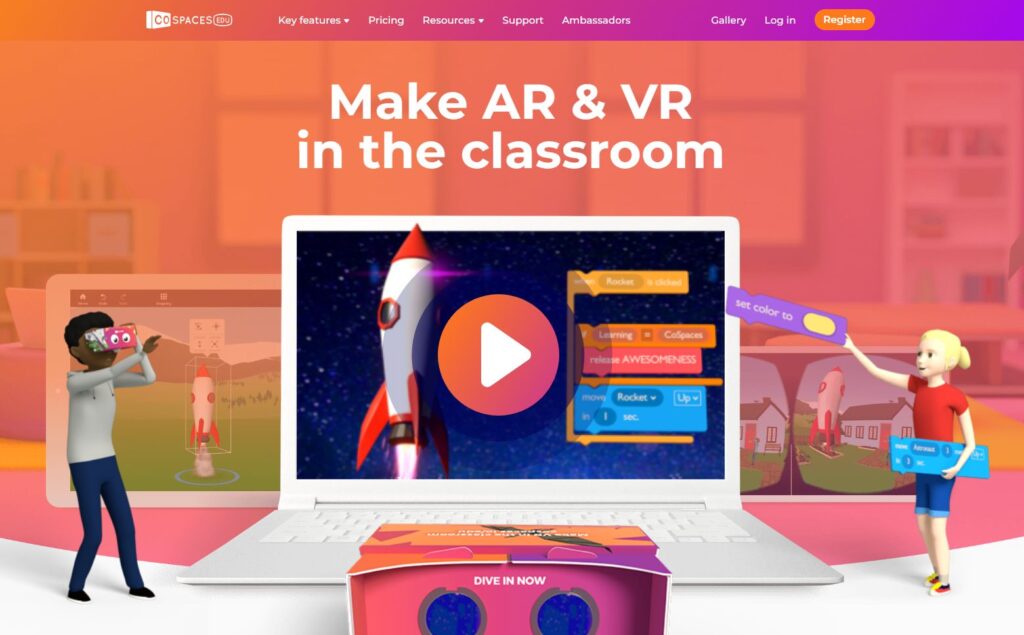
CoSpaces Edu is an educational platform that allows students and teachers to create, program, and experiment with virtual (VR) and Augmented Reality (AR) environments in an intuitive and accessible way. This tool provides an interactive space where users can build 3D worlds, integrate multimedia elements, and use block-based programming or languages like JavaScript to bring objects to life.
Key Features of CoSpaces Edu (https://www.cospaces.io/)
- Creation of 3D Environments: Users can model virtual scenarios by adding characters, objects, and multimedia elements like audio, images, and videos.
- Interactive Programming: Using CoBlocks (block-based programming) or JavaScript code, objects can be animated, behaviors added, and interactive experiences created.
- Integration with VR and AR: Created projects can be viewed on devices compatible with VR and AR, offering an immersive experience. This feature is used in this project: AR.
- Compatibility with Merge Cube: Objects and animations can be projected onto the Merge Cube, allowing students to interact with content more tangibly and dynamically.
- Ease of Use in Education: Designed for classroom use, it features an intuitive interface and options for collaborative student work.
Likewise, neuroscience has shown that surprise drives brain plasticity, which is the brain’s ability to reorganize itself and form new neural connections. This is crucial for children with disabilities, as it allows the creation of alternative pathways in the brain when certain functions are affected.
For example, in children with difficulties in language processing, visual or tactile surprise can activate other areas of the brain that compensate for this limitation, facilitating communication and learning. It seems evident that this is a promising approach to follow.
Neuroscientists also highlight that surprise influences emotional regulation. When used in a safe and positive context, it can generate joy and satisfaction, reinforcing self-esteem and motivation. In children with social or emotional disabilities, surprise can help develop interaction skills, promoting more spontaneous responses and a greater connection with their environment.
Merge Cube
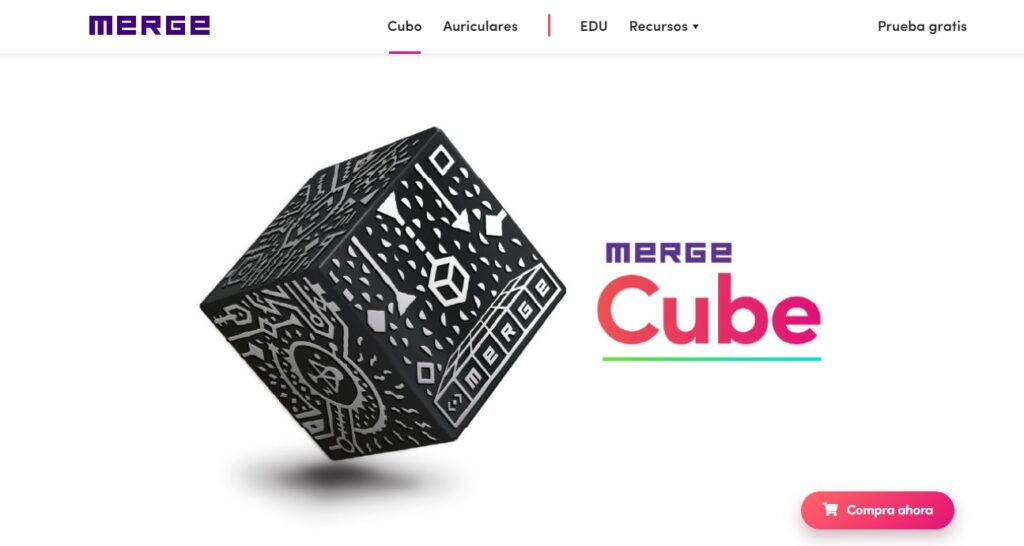
The Merge Cube as an Augmented Reality Tool (https://mergeedu.com/cube)
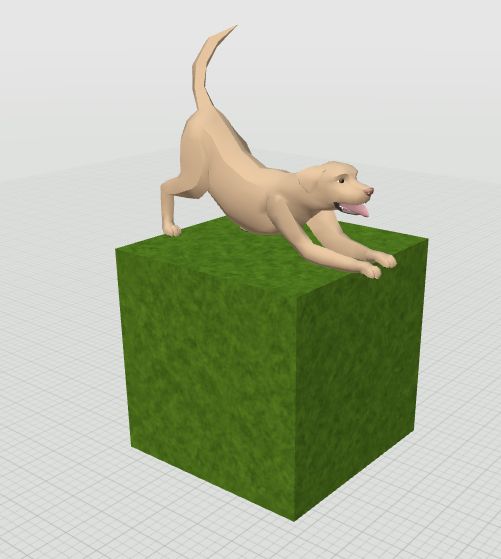
The Merge Cube is an excellent tool for generating AR experiences that combine learning, interaction, and surprise, especially for children with disabilities. Activities featuring animals, dinosaurs, and 3D characters, and incorporating animations and sounds activate multiple brain areas, enhancing attention, memory, and emotion in the learning process.
When children see a dinosaur move, dance, or show anger, when animals make sounds, or when characters perform animations, an unexpected sensory impact is created, leading to:
- Increased attention and concentration: The combination of image, sound, and movement keeps children engaged in the activity.
- Memory reinforcement: Associating concepts with surprising experiences improves information retention.
- Active exploration: AR with Merge Cube allows children to rotate the object and control their interaction, promoting more autonomous and personalized learning.
- Multisensory learning: By integrating visual, auditory, and tactile stimuli (through the manipulation of the cube), learning is facilitated for children with various capacities.
- Language: Sensory experiences and surprise favor the emergence of language and oral expression, either to share with others or to list and describe what is appearing.
How does CoSpaces Edu work with the Merge Cube?
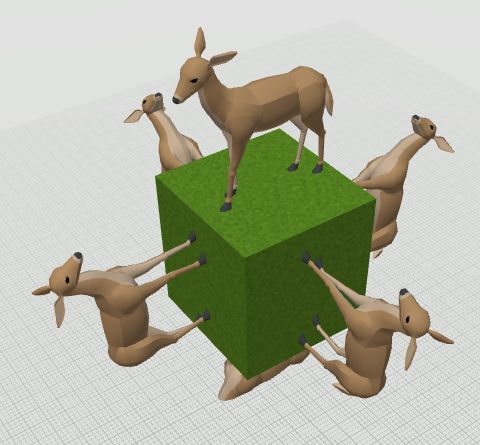
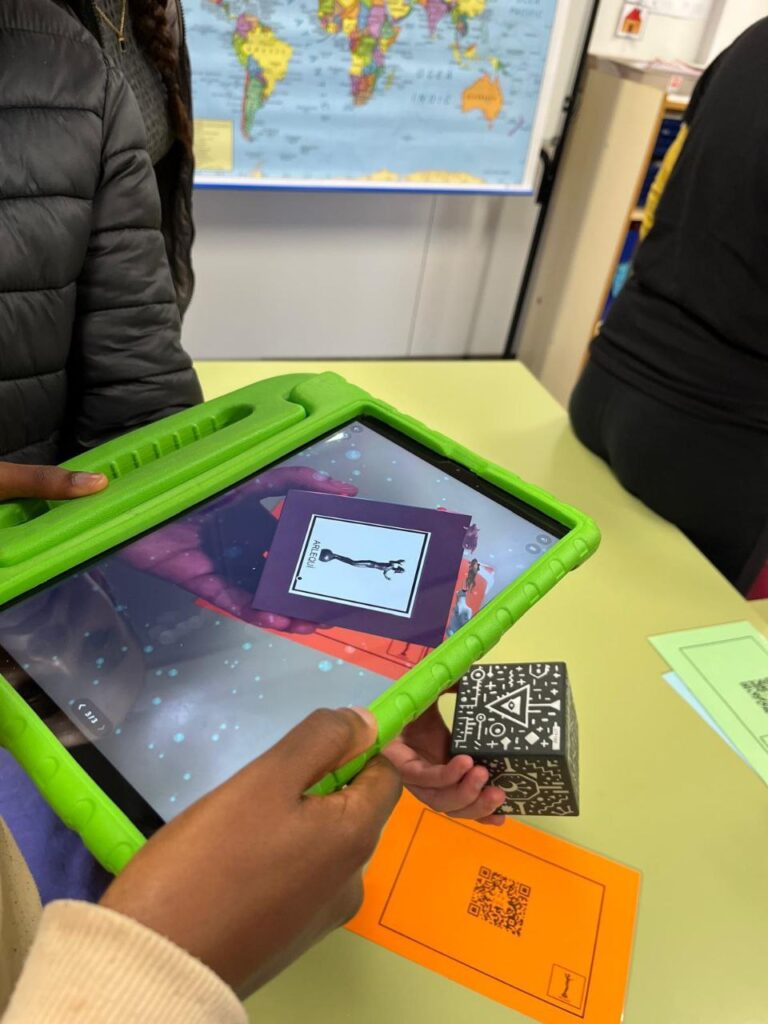
When used with the Merge Cube, CoSpaces Edu allows digital elements to be projected onto this physical cube, creating an interactive Augmented Reality experience. Students can explore objects from different perspectives simply by rotating the cube in their hands. This is especially useful for visual and multisensory learning, particularly for children with special educational needs.
With this combination, children can see animated animals, moving objects, and graphical representations of concepts, enhancing comprehension, information retention, and cognitive stimulation through surprise and direct interaction.

Methodological Description
Using the Merge Cube (https://mergeedu.com/) along with the activities available in the CoSpaces.io gallery allows children to experience Augmented Reality (AR) in an immersive and accessible way. This methodology follows a series of structured steps to ensure an inclusive and enriching experience.
1. Preparing the Materials
Before starting the activities, the following steps must be completed:
- Downloading and assembling the Merge Cube: A Merge Cube template must be obtained, printed, and assembled to form the physical cube. Alternatively, a commercial Merge Cube can be used if available.
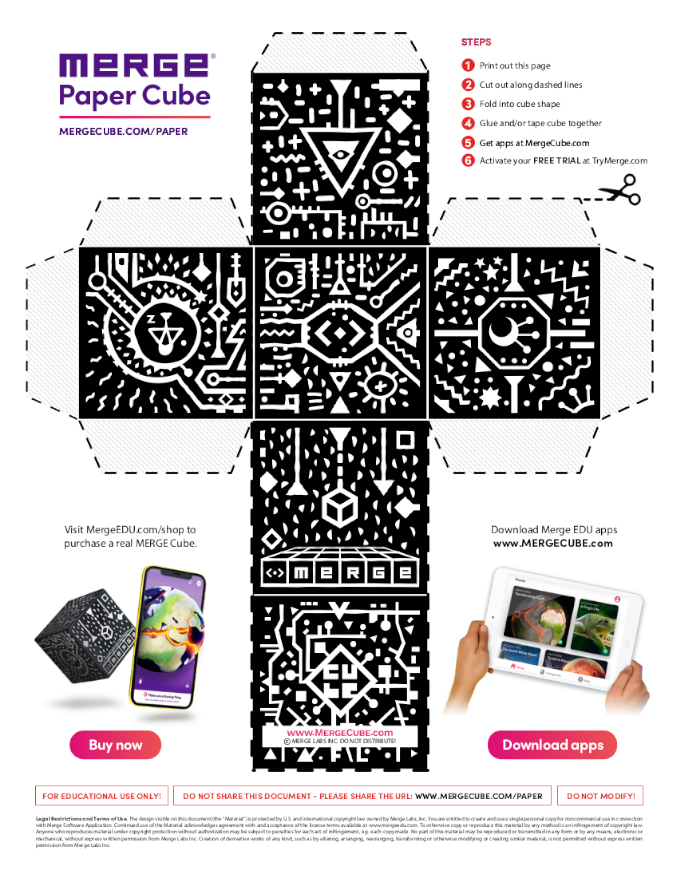
Template Cub Merge: Link
Downloading the CoSpaces app: The CoSpaces Edu app must be installed on a compatible mobile device or tablet.

2. Accessing Activities from the CoSpaces Gallery (via mobile or tablet)
This is a list of links to activities hosted in the CoSpaces.io gallery.
Users must access each activity from the app by searching for them in the gallery or scanning QR codes. This list of activities is provisional; for more information, visit Sacosta.cat.
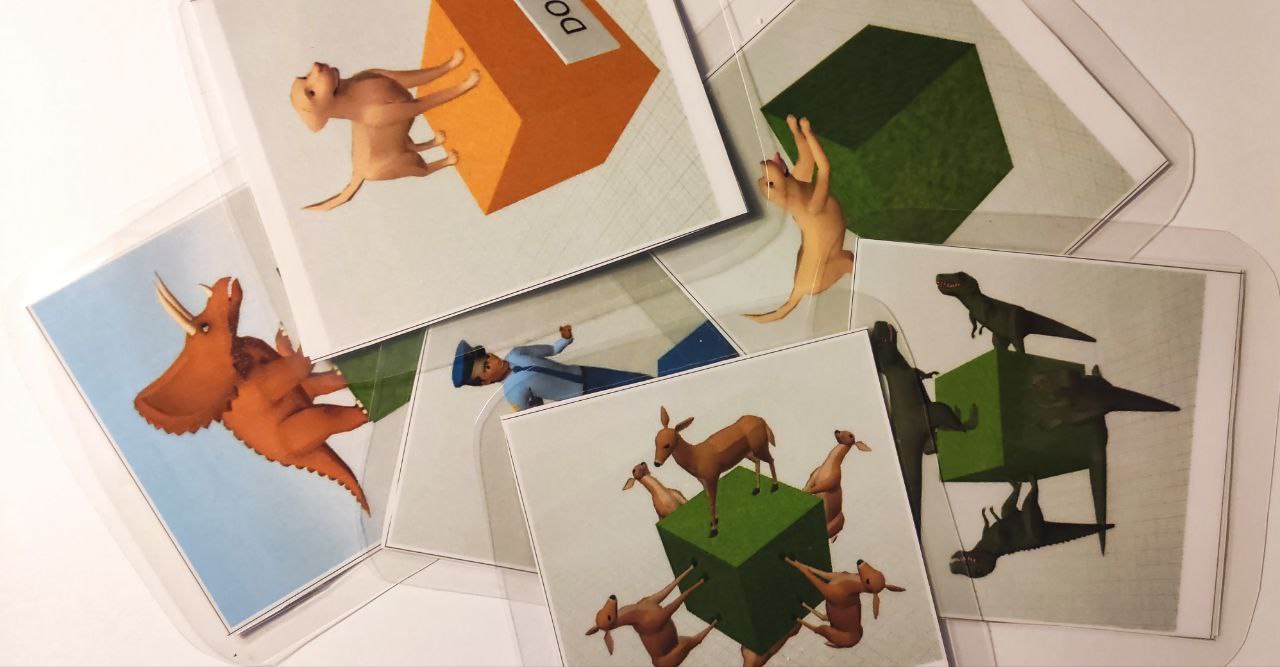 | 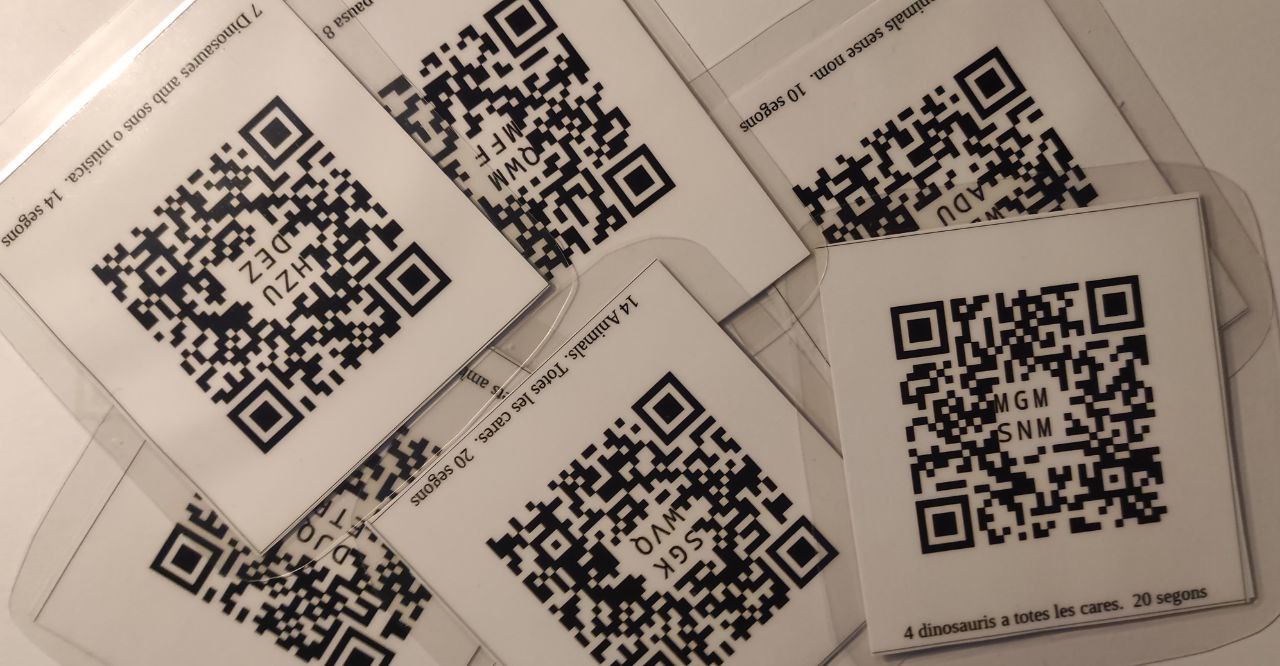 |
Laminated markers: These contain a reference image on one side and a QR code with basic information on the other.
Exemples d’activitats:
Document for Printing Images and QR Codes – Link
27 Nameless Animals: Each animal appears on the screen for 10 seconds.
https://edu.cospaces.io/WBG-ADU
 |  |
26 Small Animals with Names in English: Pause time of 8 seconds.
https://edu.cospaces.io/DJQ-ETR
 |  |
14 Animals – All Faces: Pause time of 20 seconds.
https://edu.cospaces.io/MGM-SNM
 |  |
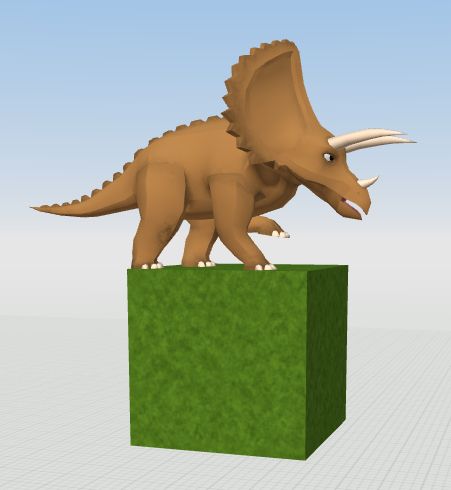
7 Dinosaurs with Sounds or Music: Pause time of 14 seconds.
https://edu.cospaces.io/HZU-DEZ
 |  |
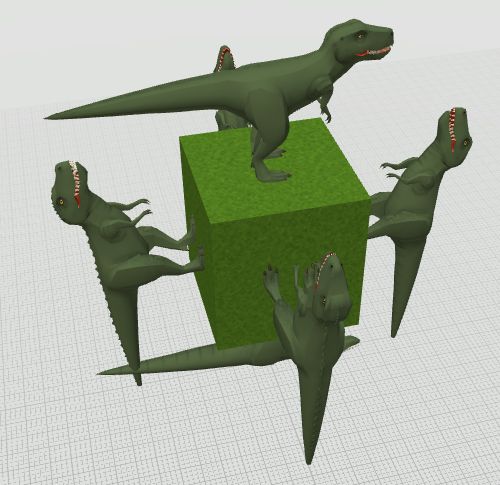
4 Dinosaurs – All Faces: Pause time of 20 seconds.
https://edu.cospaces.io/MGM-SNM
 |  |
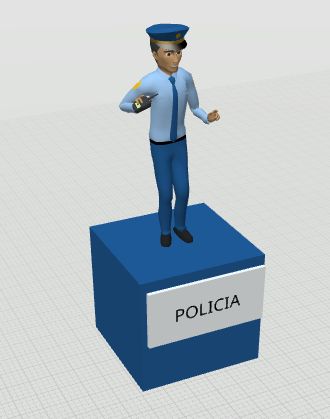
8 Professions: Pause time of 8 seconds.
https://edu.cospaces.io/QWM-MFF
 |  |
3. Activity Setup
Once the Merge Cube and the application are ready, follow these steps:
- Open the CoSpaces Edu application on a mobile device or tablet.
- Select the desired activity from the provided list.
- Enable the Merge Cube view option.
- Point the device’s camera at the Merge Cube, aligning it with the silhouette displayed on the screen.
- Click Play to start the experience.
4. Development of the Interactive Activity
Once the activity starts, the child will see information layers appear on the Merge Cube in the form of:
- Images and pictograms that reinforce visual understanding.
- 3D animated objects, such as animals, dinosaurs, or characters, move and change position depending on the perspective.
- Sound effects that enrich the sensory experience.
The child can rotate the Merge Cube to view elements from different angles and explore the information interactively.
5. Adaptations for Children with Motor Difficulties
For children who are unable to hold and rotate the Merge Cube or have difficulty moving the device, the following accessibility solutions are suggested:
- Assistance from an adult or peer: An educator or peer can hold and rotate the cube while the child watches the experience on the screen.
- Using a tablet with a stand: Placing the device on a stable structure on the table allows the child to view the activity without having to manipulate it.
- Automatic content activation: Since activities have a programmed waiting time, images, objects, and sounds will appear progressively without needing to press buttons or perform additional actions.
Guide for the Implementation of the Merge Cube + CoSpaces Project
1. Preparation of Materials and Resources
- Obtain the Merge Cube:
- Option 1: Print and assemble the Merge Cube template on paper. Download it here: Template Link.
- Option 2: Purchase a commercial Merge Cube for a more durable version.
- Compatible Devices: Ensure there are enough tablets or mobile phones for all participants.
- Check Battery and Chargers:
- Make sure devices are fully charged or have chargers available.
- Internet Connection: Ensure Wi-Fi access to download apps and access activities.
2. Installation of Required Applications
- Download the CoSpaces Edu App:
- Search for CoSpaces Edu on Google Play or the App Store and install it on the devices.
- Configure the Application:
- Open CoSpaces Edu. No login is required.
3. Activity Preparation
- Access the Activity Links:
- Collect the QR codes or links for the activities. Printable QR code materials can be found at the end of this document. These can be laminated, with the reference image on one side and the code on the other.
- Access Options:
- Scan QR codes using an external reader like Google Lens or the QR icon in the CoSpaces Edu app.
- Search for activities manually in the CoSpaces Edu gallery.
- Store a list of links on the devices for direct access.
- Pre-test the Activities:
- Verify that all links work and activities load correctly.
4. Activity Execution
- Distribute the Materials:
- Give each child a Merge Cube or share them in small groups.
- Assign a mobile device or tablet to each participant or group.
- Launch the CoSpaces Edu App on the Device.
- Select the Desired Activity.
- Access the Activity via QR or URL Link. Open via QR scan or manually search in the gallery.
- Activate Merge Cube Visualization in the App:
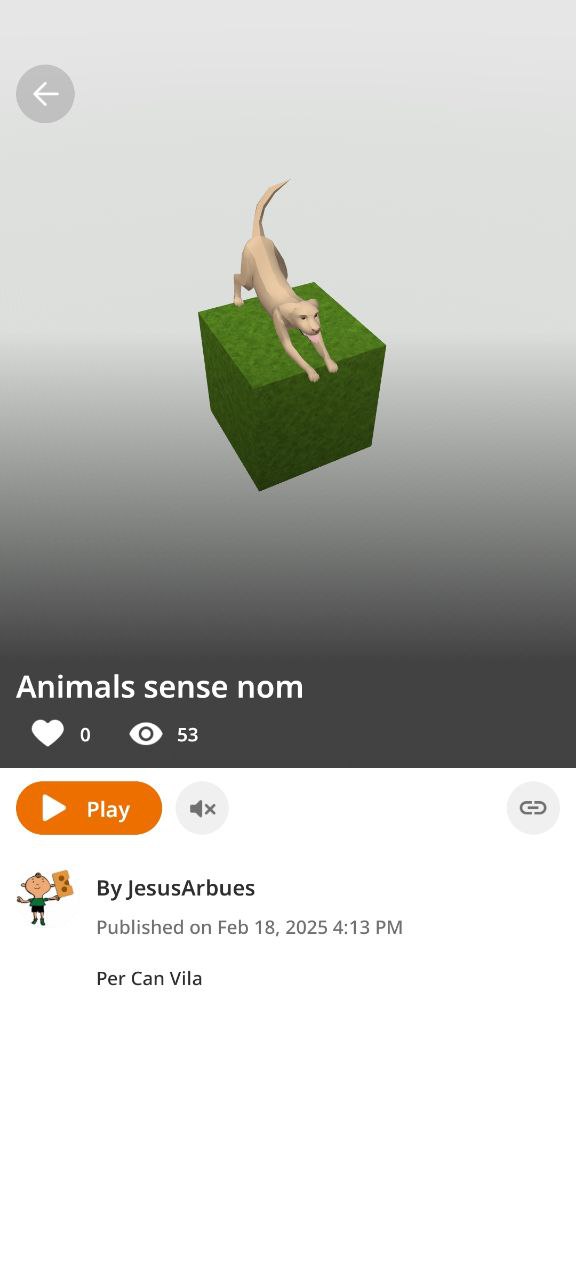
- After scanning a QR code, an activity will appear on-screen with a Play button.
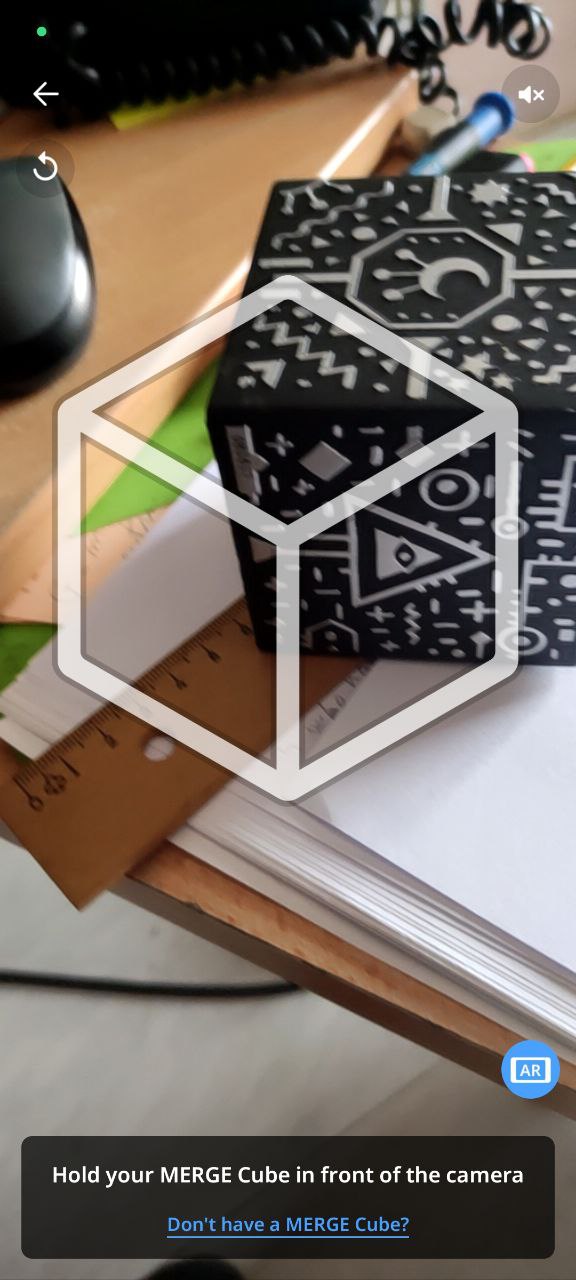
- Clicking Play will display a geometric shape that must be aligned with the real Merge Cube.
- Point the mobile/tablet at the Merge Cube and align it with the silhouette on the screen.
 |  |
Explore Augmented Reality:
- Children can rotate the cube to see images, 3D models, and interactive sounds.
5. Adaptations and Accessibility
- If a child cannot hold the Merge Cube or Device:
- An adult or peer can hold it for them.
- Using a fixed tablet stand can facilitate visualization, as different scenes are designed to progress automatically. There is also an option to manually advance using small arrows.
6. Activity Closure and Reflection
- Wrap up the experience and discuss learnings:
- Ask children what they discovered and how they felt during the activity.
- Relate the experience to other learning topics.
- Dismantle and Store Materials:
- Turn off devices and collect Merge Cubes and QR codes.
Conclusion
Augmented Reality (AR) is a powerful tool for children with cognitive challenges, it allows for adaptable teaching methods while reinforcing attention through interactive engagement. The element of surprise adds a key motivational factor, enhancing interest and active exploration of the environment.
In a world where inclusion is a priority, AR provides new opportunities for all children, regardless of their abilities, to learn, interact, and enjoy enriching and stimulating experiences.
QR Codes for Applications – Printable Materials: Link
Merge Cube Template: Template Link